Staff Portal
Permission-scoped administration for staff users with 7 role presets and 26 permissions.
Test Account
kyc@alef.marketsKYC@123456Staff (Operations)Staff users are assigned a team_role preset that determines their permissions. The sidebar and available features are scoped to these permissions automatically.
| Role Preset | Permissions | Description |
|---|---|---|
super_admin | All 26 permissions | Full platform access — equivalent to admin |
operations | 9 permissions | users.view, kyc.view, kyc.review, business.view, business.review, dataroom.view, tokens.view, offerings.view, audit.view |
kyc_officer | 9 permissions | Same as operations — focused on KYC review queue |
compliance_officer | 3 permissions | compliance.view, compliance.manage, audit.view |
finance_manager | 8 permissions | platform.finances, wallet.view, wallet.manage, tokens.view, offerings.view, audit.view, platform.stats, platform.analytics |
token_manager | 7 permissions | tokens.view, tokens.manage, offerings.view, offerings.manage, business.view, dataroom.view, audit.view |
support | 5 permissions | users.view, kyc.view, tokens.view, offerings.view, audit.view |
Staff users use the same RequirePermission middleware as admin. The system checks admin_permissions table — staff with the right permissions see the same features as admin, but scoped to their granted set.
The staff dashboard shows permission-scoped KPIs and pending items.
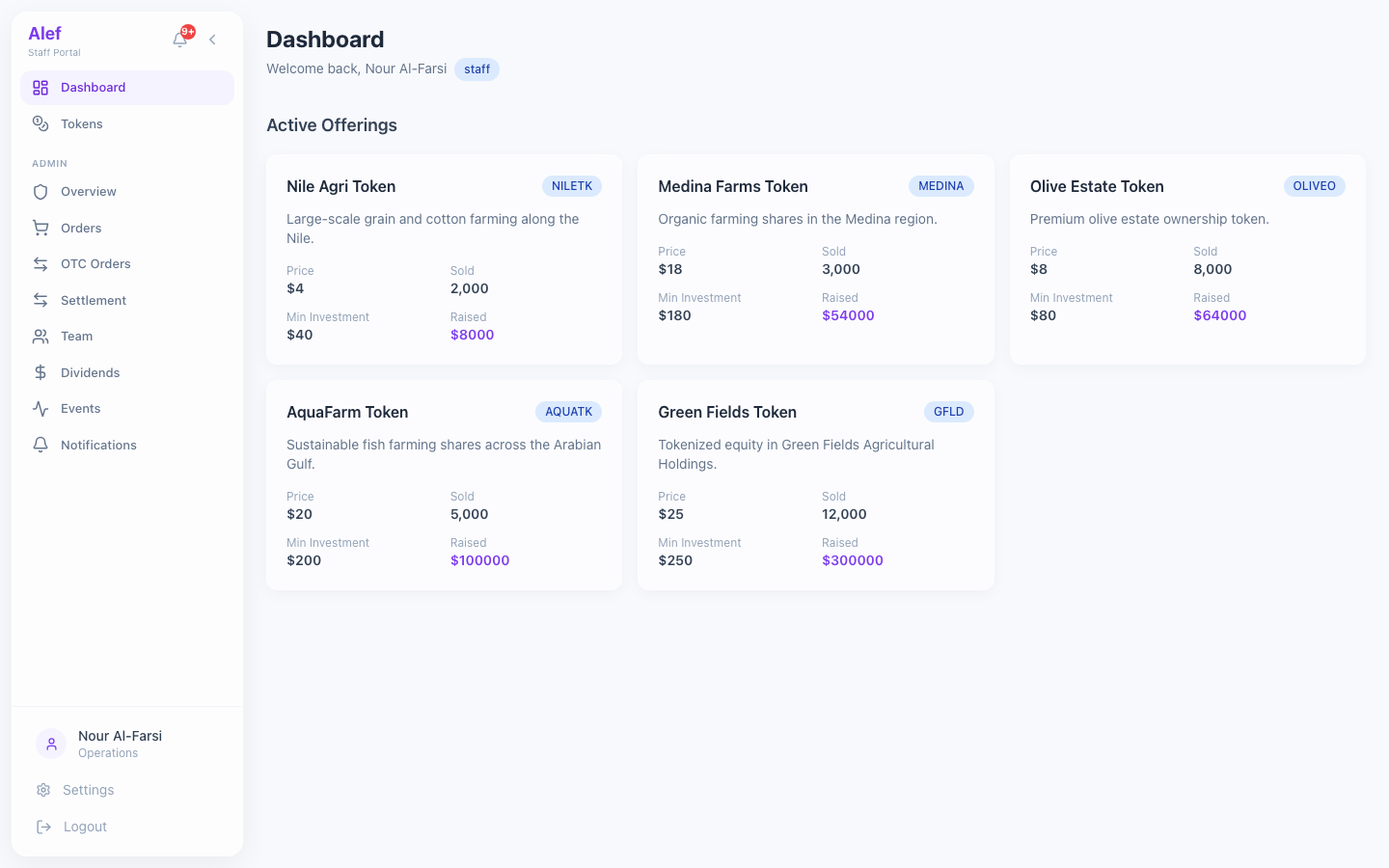
Staff DashboardPermission-scoped KPI cards
KPI cards filtered by staff permissions (e.g., KYC officer sees only KYC-related cards)
Pending items relevant to the user's role
Quick links to assigned sections only
Sidebar navigation shows only permitted sections
The dashboard adapts based on permissions. A KYC officer sees Pending KYC and Users cards, while a finance manager sees Revenue, Treasury, and Wallet cards.
Staff with kyc.view and kyc.review permissions can process KYC applications.
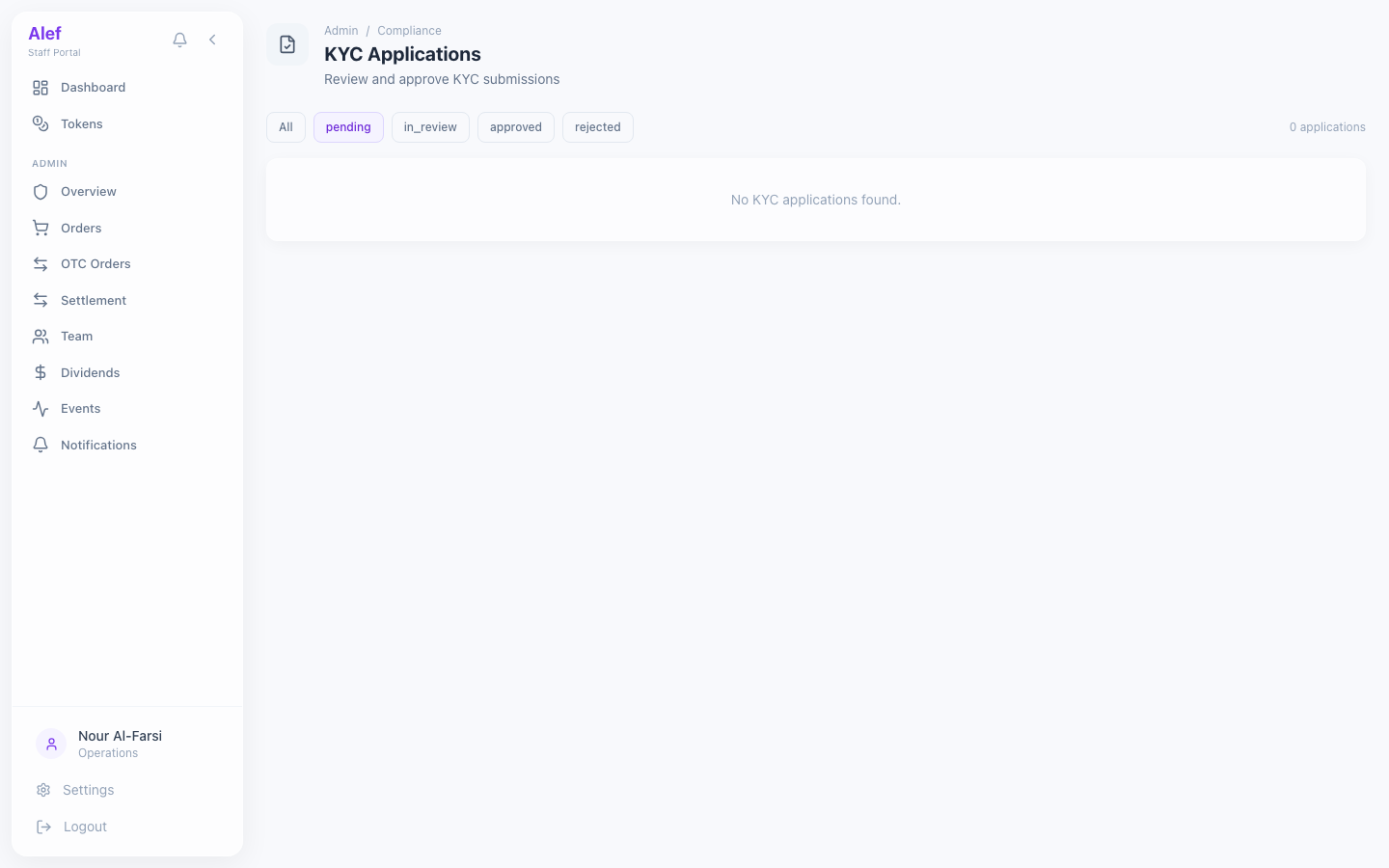
Staff KYC QueueSame functionality as admin KYC
Same functionality as admin KYC review queue
Status filter pills, expandable details, approve/reject actions
Scoped by permissions — requires kyc.view + kyc.review
Review notes link to the staff user in audit logs
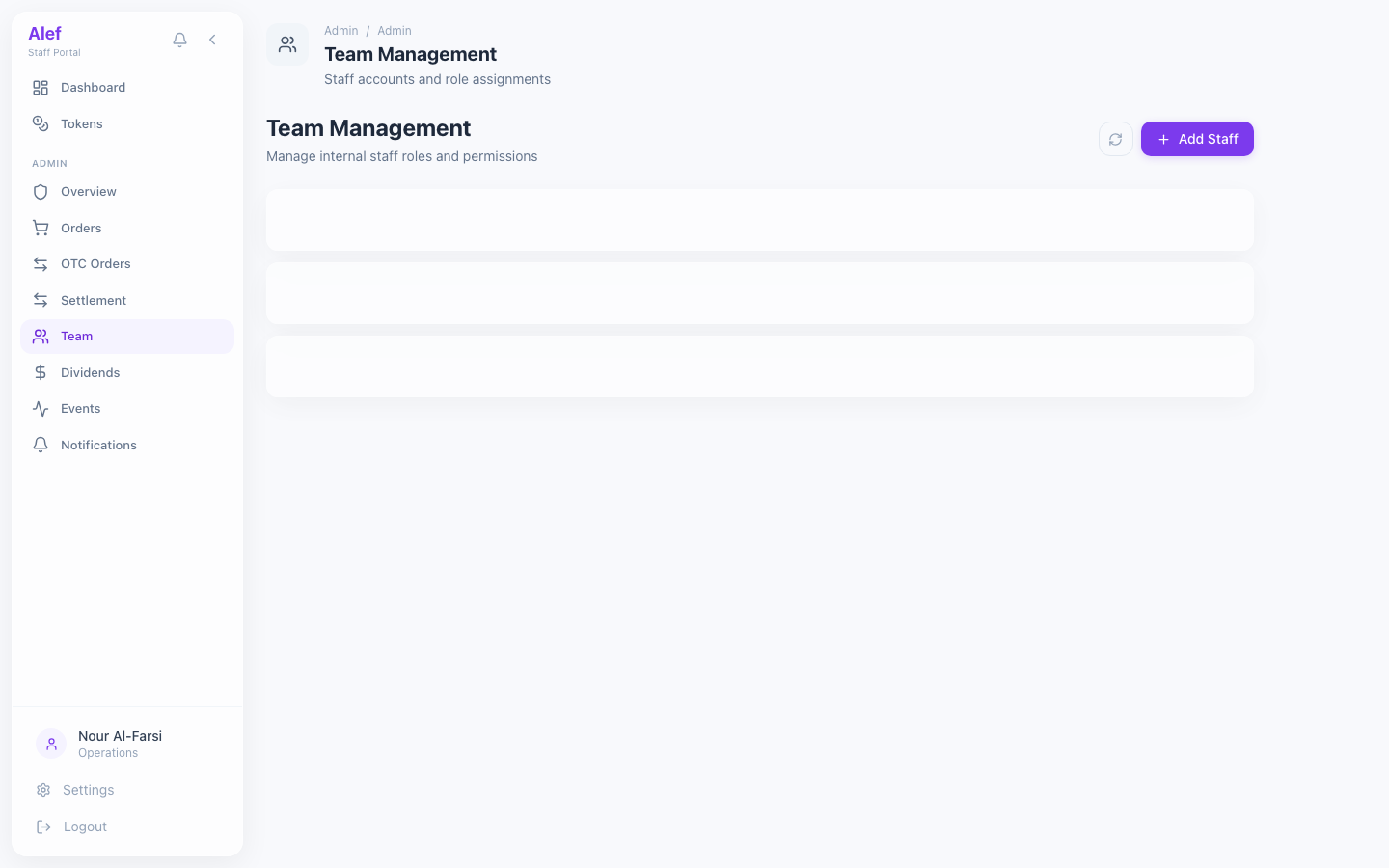
Staff Team ViewTeam members and roles
View team members (other staff and admin users)
Permission visibility — see what each team member can access
Role preset display per user
Read-only — staff cannot modify other users' roles