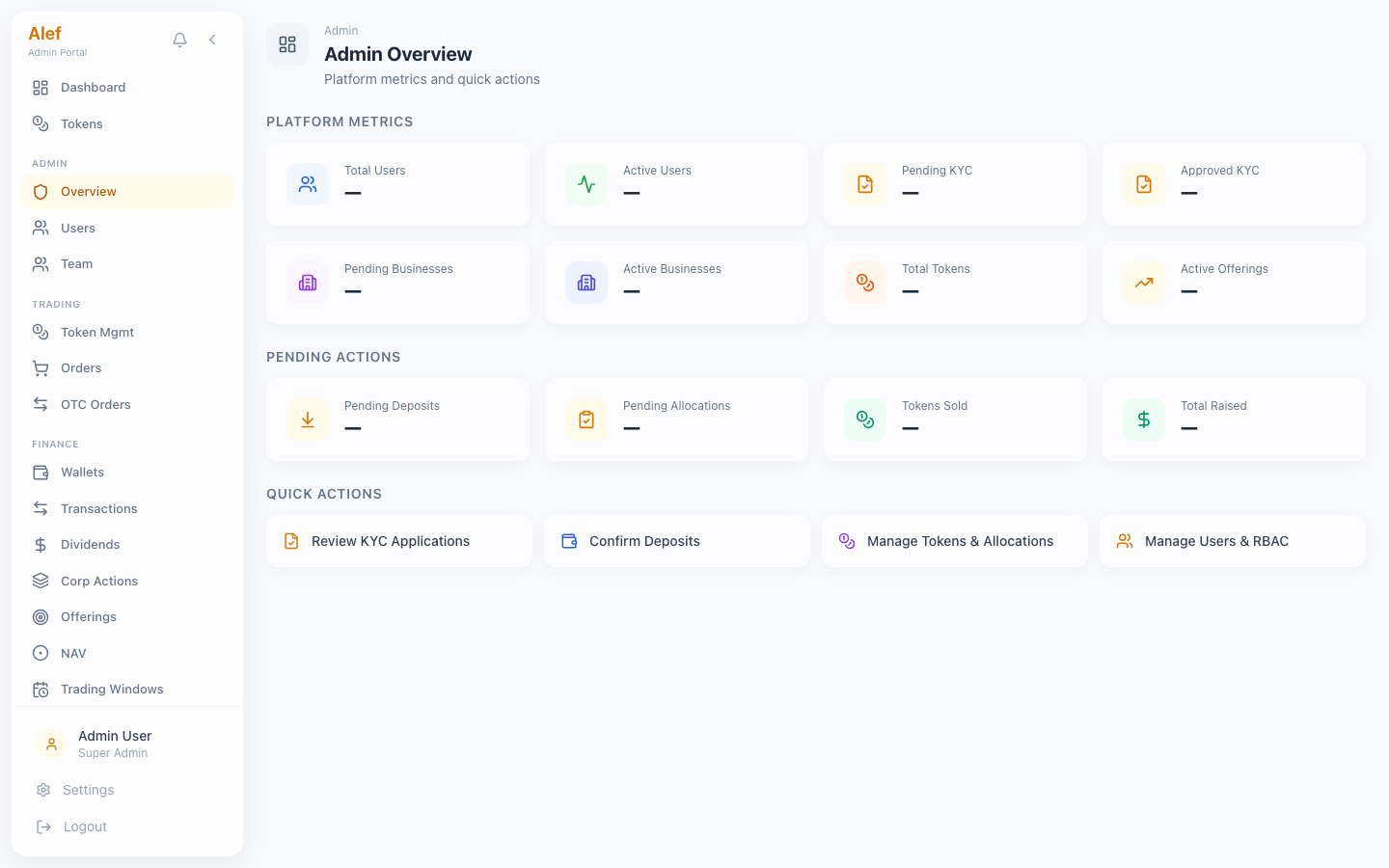
Admin Portal

Full platform administration: users, KYC, tokens, wallets, dividends, revenue, compliance, and more.

Test Accountadmin@alef.marketsAdmin@123Super Admin

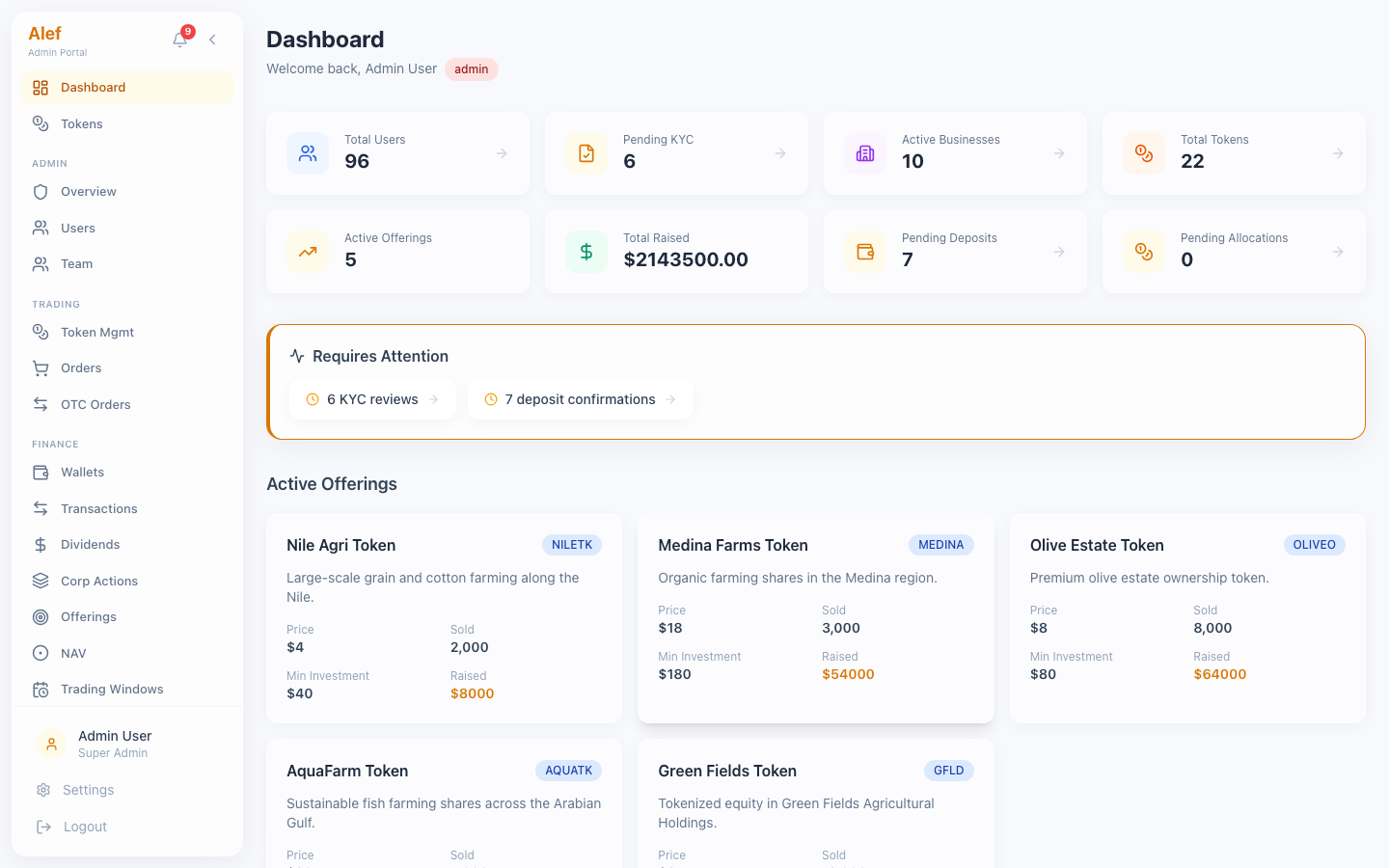
The admin dashboard provides an at-a-glance view of platform health with 8 KPI cards, an attention panel, and active offering summaries.
Admin Dashboard
Admin Dashboard8 KPI cards + attention panel
8 KPI cards in 2x4 grid: Total Users, Pending KYC, Active Businesses, Total Tokens, Active Offerings, Total Raised, Pending Deposits, Pending Allocations
Requires Attention panel — clickable links to pending items (KYC reviews, deposit confirmations, allocation approvals)
Active Offerings section with progress bars showing tokens sold vs. supply
Sidebar navigation grouped by: Admin, Trading, Finance, Compliance, Platform
Real-time data — fetched on mount via GET /api/v1/admin/dashboard
The "Requires Attention" panel is the primary action driver. Items link directly to their management pages.

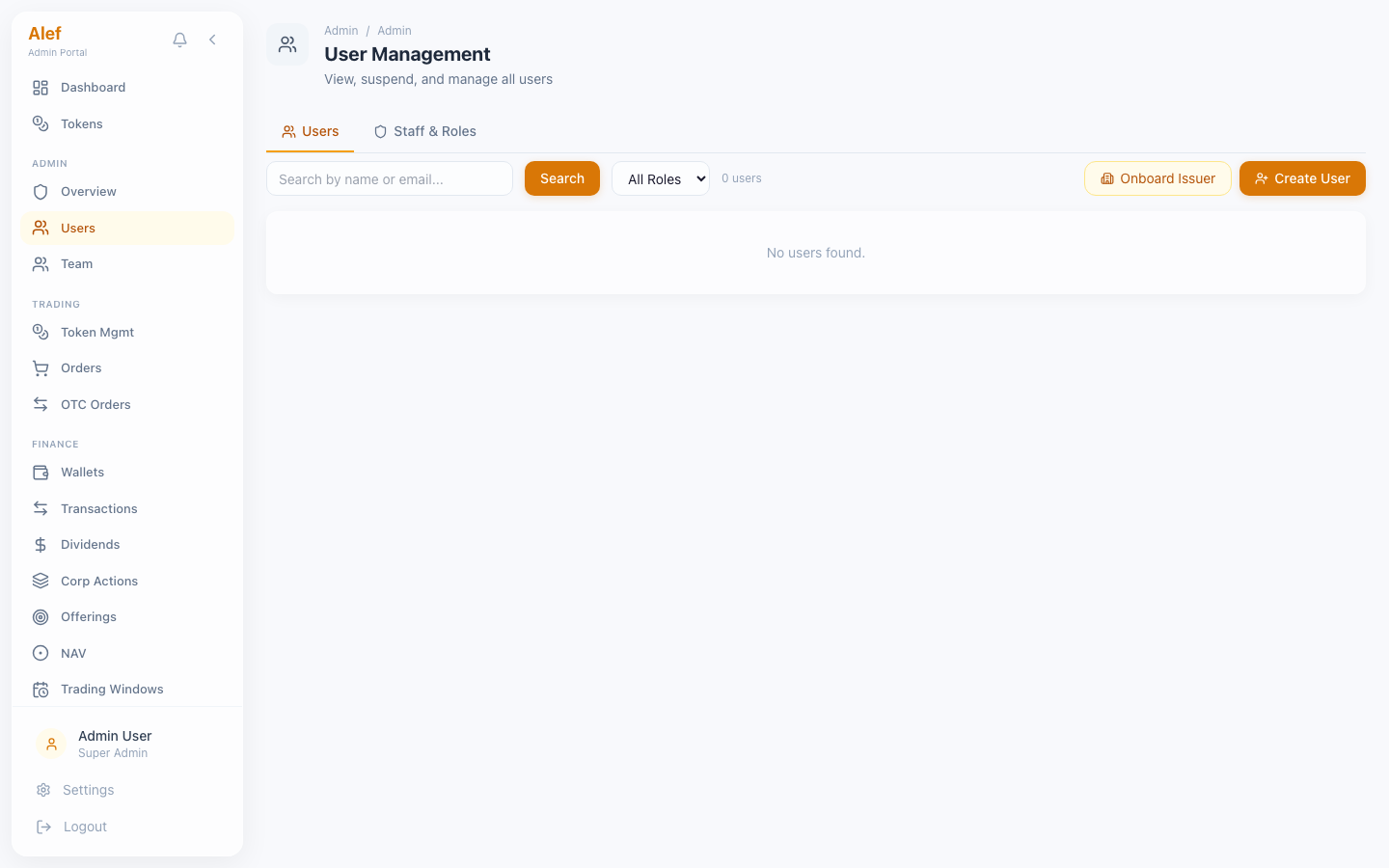
View and manage all platform users across roles. The Users page has two tabs: all users and staff/admin users.
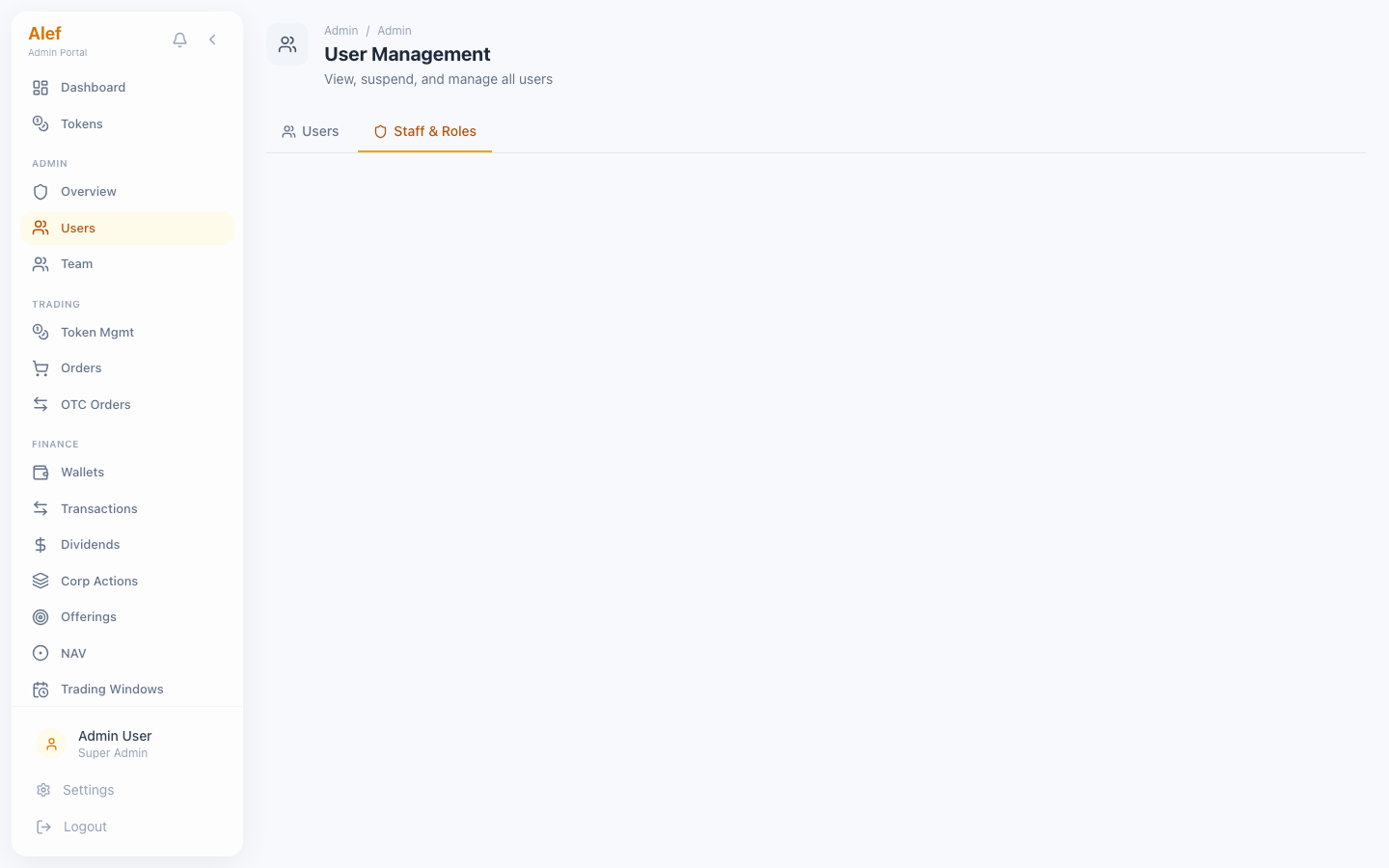
Users — All Users Tab
Users — Staff & Roles Tab
User list with search by name or email
Filter by role: all, investor, issuer, admin, staff
User row shows: avatar, name, email, role badge, KYC status, created date
Staff tab shows team_role preset and permission count per user
Click row to open user detail with edit capabilities
Pagination with 20 users per page

User Detail Page

User Detail
User DetailProfile, permissions, accreditation, and FATCA status
Profile section: name, email, phone, country, role, team_role, created date
Account status toggles: Active, Suspended (with reason), Activated
Accreditation status dropdown: retail, professional, institutional
FATCA status dropdown: not_checked, clear, blocked
Permissions grid: 24 toggleable permissions with checkbox UI
KYC history: all applications with status badges and dates
Wallet info: fiat balance, wallet address, token holdings
See also:Staff Portal — Role Presets

Review and process KYC applications. The queue supports filtering by status and inline approve/reject actions.
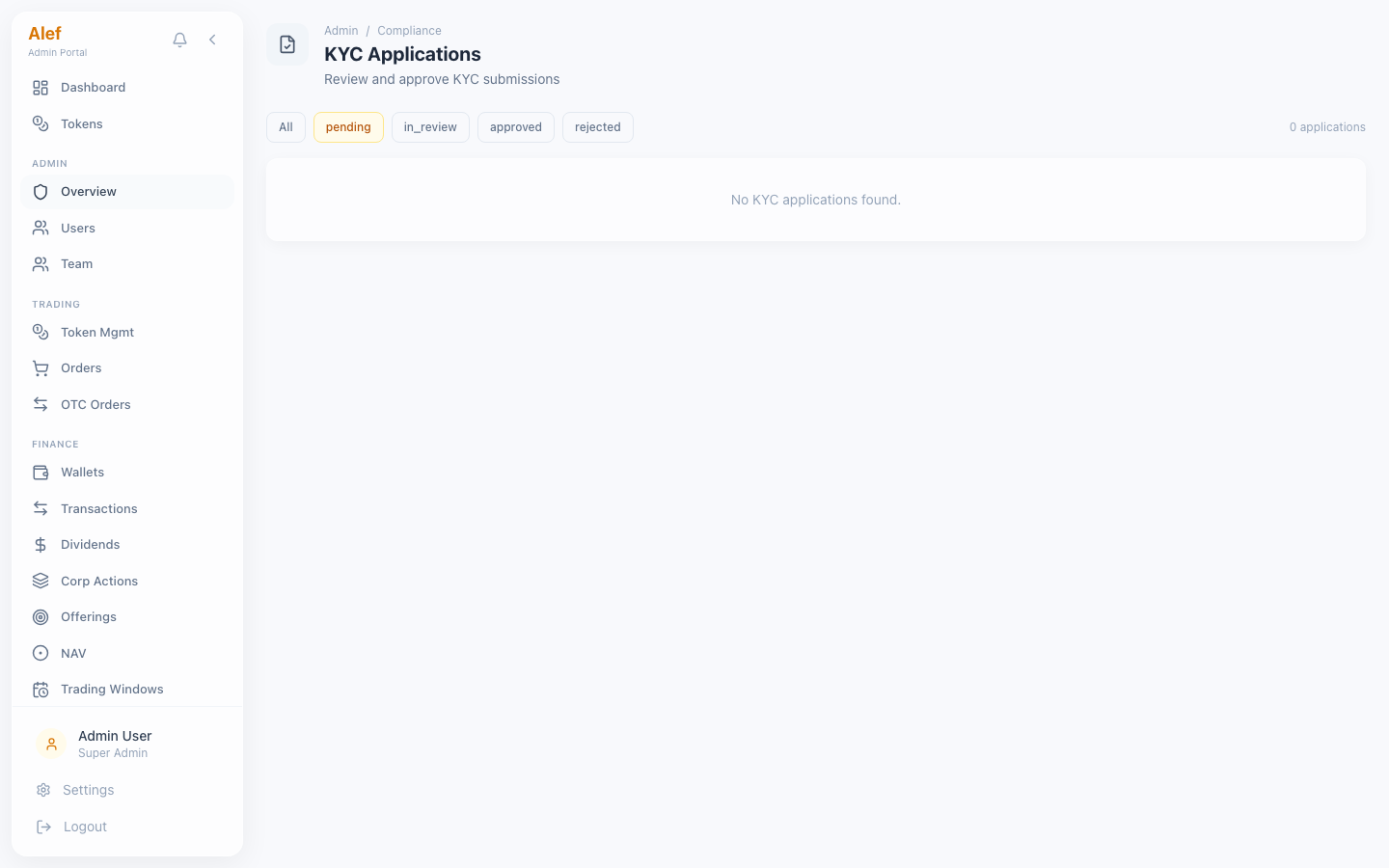
KYC Review Queue
KYC Review QueueStatus filter pills with inline approve/reject
Status filter pills: All, Pending, In Review, Approved, Rejected
Application rows: applicant name, status badge, KYC level, country, submission date
Inline Approve/Reject buttons — no page navigation needed
Expandable detail view shows full applicant info
PII masking for sensitive fields (DOB, document number) — hover to reveal
Admin review notes field for audit trail
Rejected applications show rejection reason
1

Open KYC Review from sidebar

Open KYC Review from sidebar
2

Filter by 'Pending' or 'In Review' status

3

Click an application row to expand details

4

Review applicant information and documents

5

Click Approve or Reject (with reason for rejection)

6

User's kyc_status is updated automatically

KYC is manual review for MVP. Production will integrate Sumsub for automated verification.

Review and approve issuer business registrations.
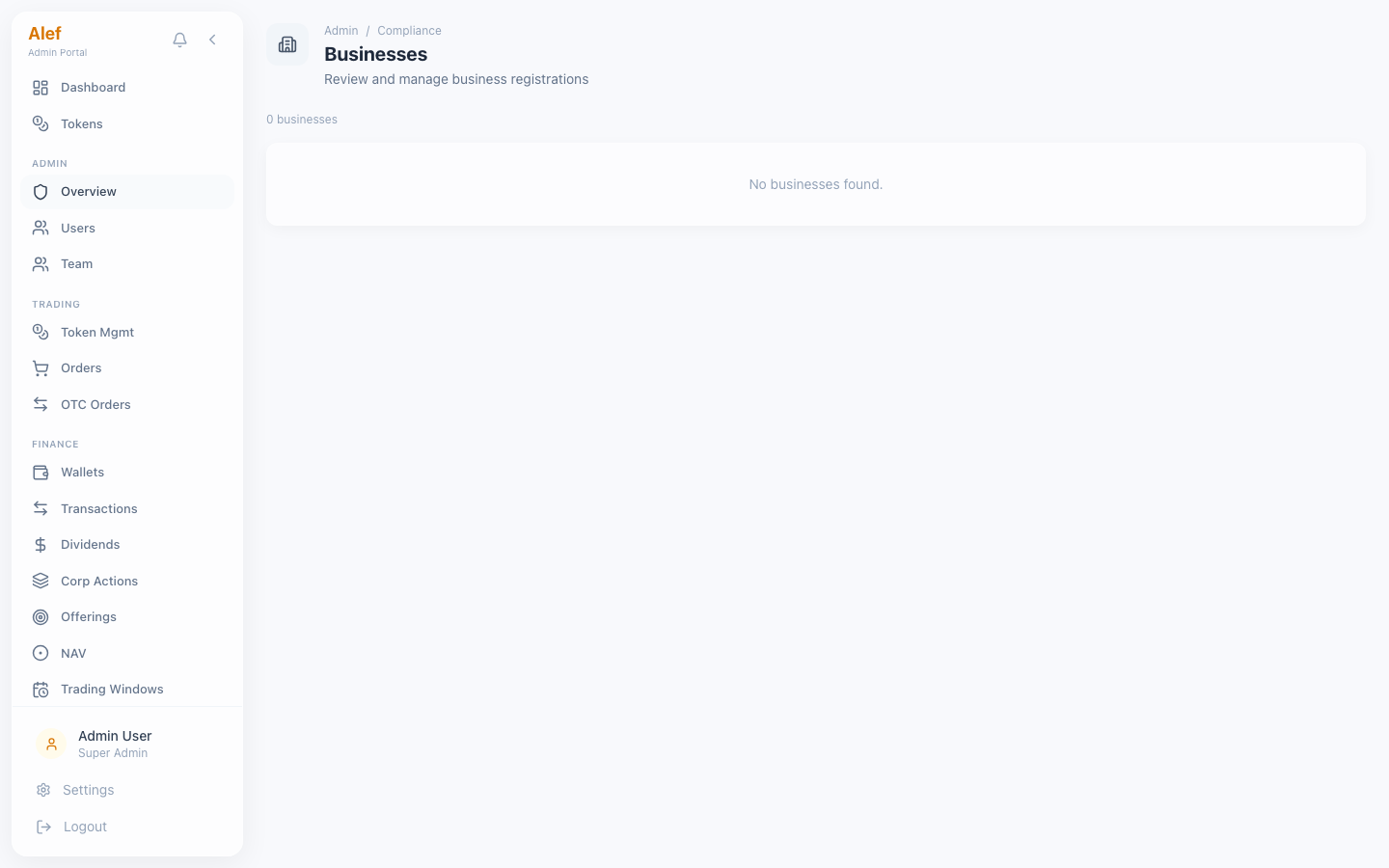
Businesses
BusinessesAll registered businesses with status
Business row: name, industry, country, registration number, status badge
Alef allocation percentage displayed per business
Approve/Reject actions with review notes
Status flow: pending → active | rejected
Business must be approved before tokens can be created

Full lifecycle management for security tokens — from draft creation through deployment, primary offering, and secondary trading.
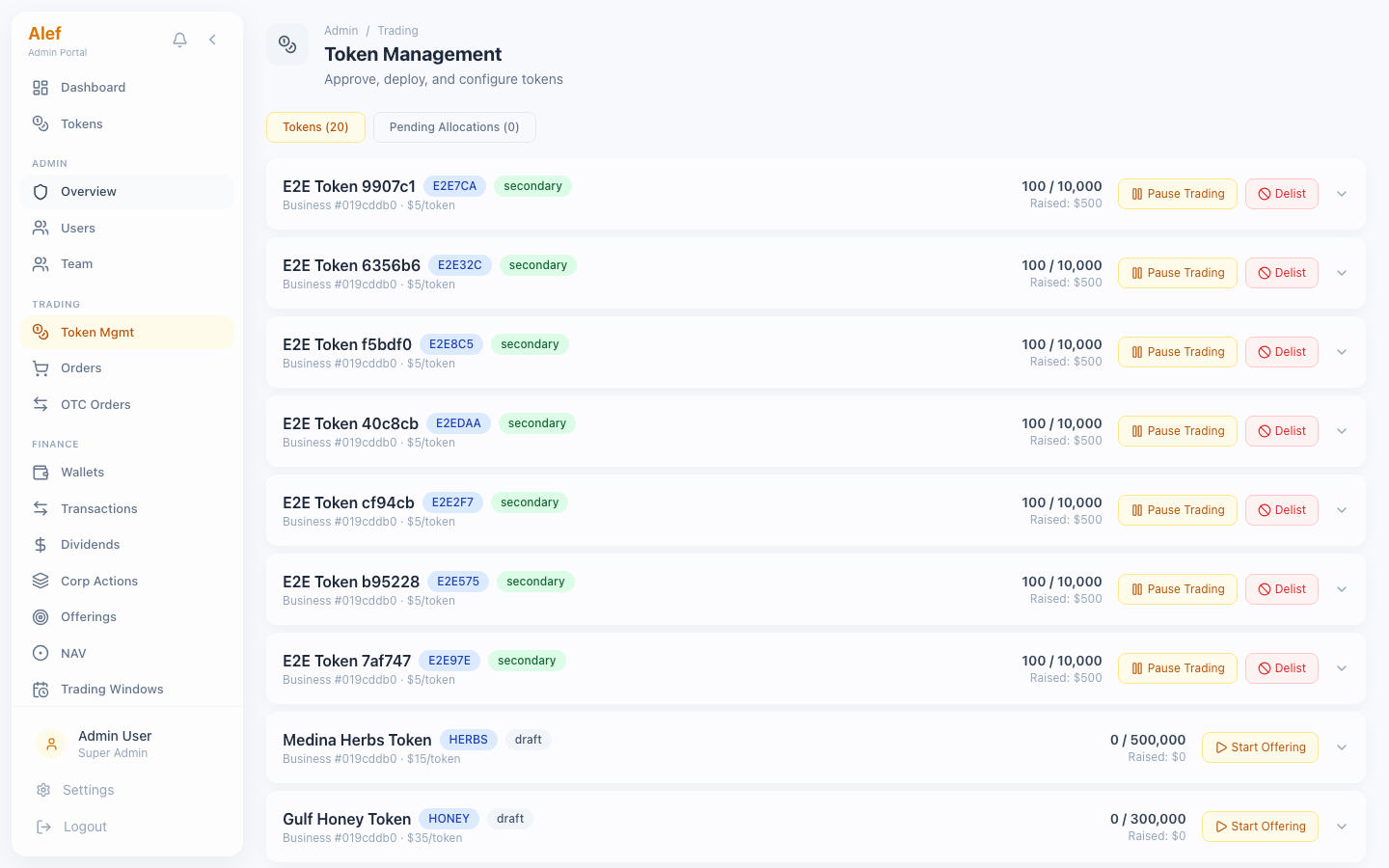
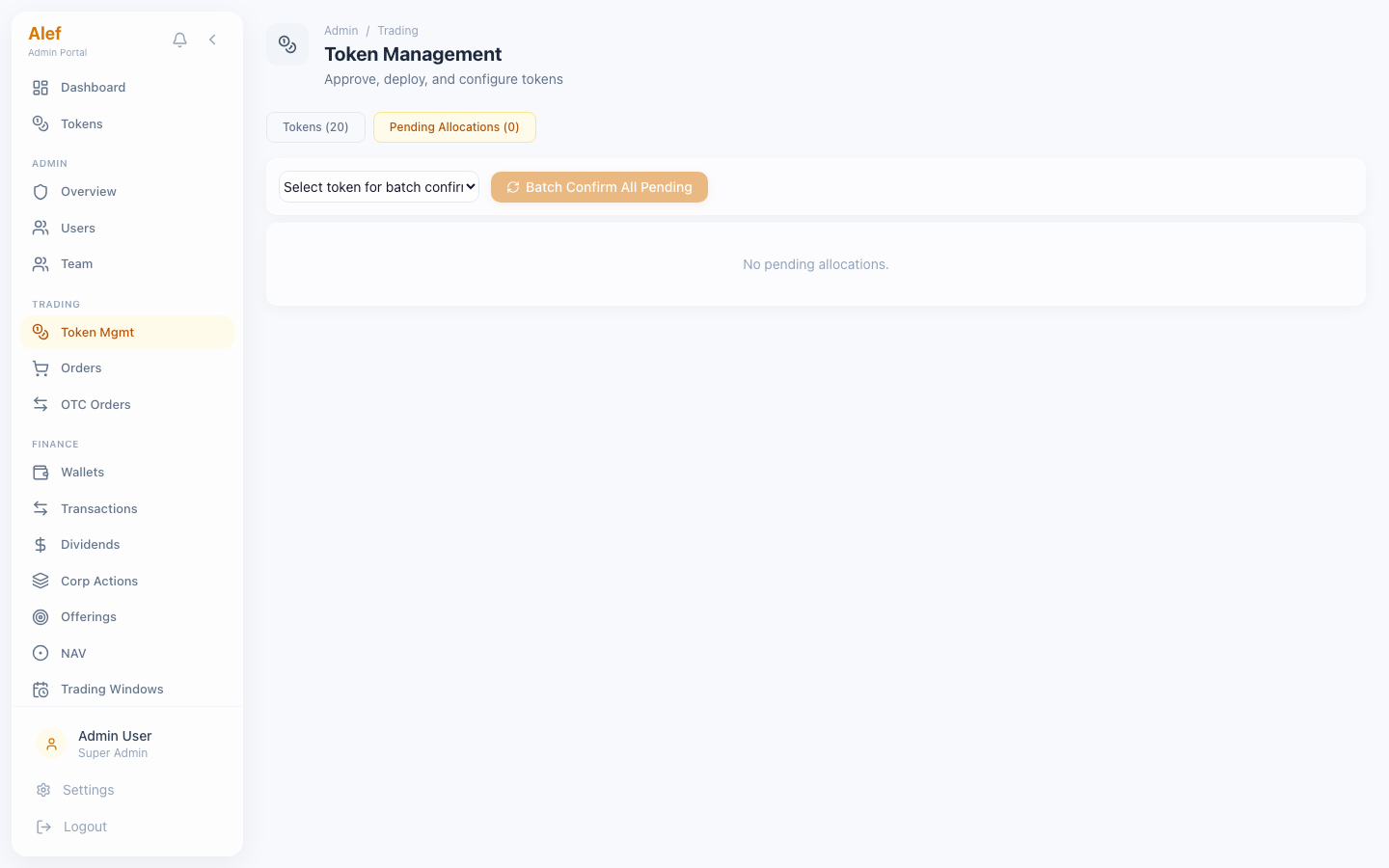
Tokens — List View
Tokens — List View
Tokens — Pending Allocations
Token cards: symbol, name, status (draft / primary / secondary / paused)
Supply, price per token, total raised, holder count
Expandable detail: token economics, allocation percentages, offering timeline
On-chain deployment info: contract address, identity registry, tx hash
Edit parameters: name, description, min_investment, primary_end date
Deploy to Blockchain button — triggers ERC-3643 deployment via blockchain-svc
Enable Secondary Trading — transitions token from primary to secondary
Pause/Resume trading — emergency circuit breaker
Pending Allocations tab: confirm/reject investor allocation requests
Batch-confirm multiple allocations at once
1

Issuer creates a token (status: draft)

Token appears in admin token list

2

Admin reviews token parameters

3

Admin clicks 'Deploy to Blockchain'

Deploys ERC-3643 + Identity Registry on Polygon (Hardhat locally)

4

Token status changes to 'primary'

Primary offering period begins

5

Investors subscribe and admin confirms allocations

Investors subscribe and admin confirms allocations
6

Admin enables secondary trading

Token enters full_orderbook mode on CLOB

Deploying to blockchain is irreversible. Double-check token parameters before deployment. Local Hardhat chain resets on restart.
See also:Token Issuance Workflow

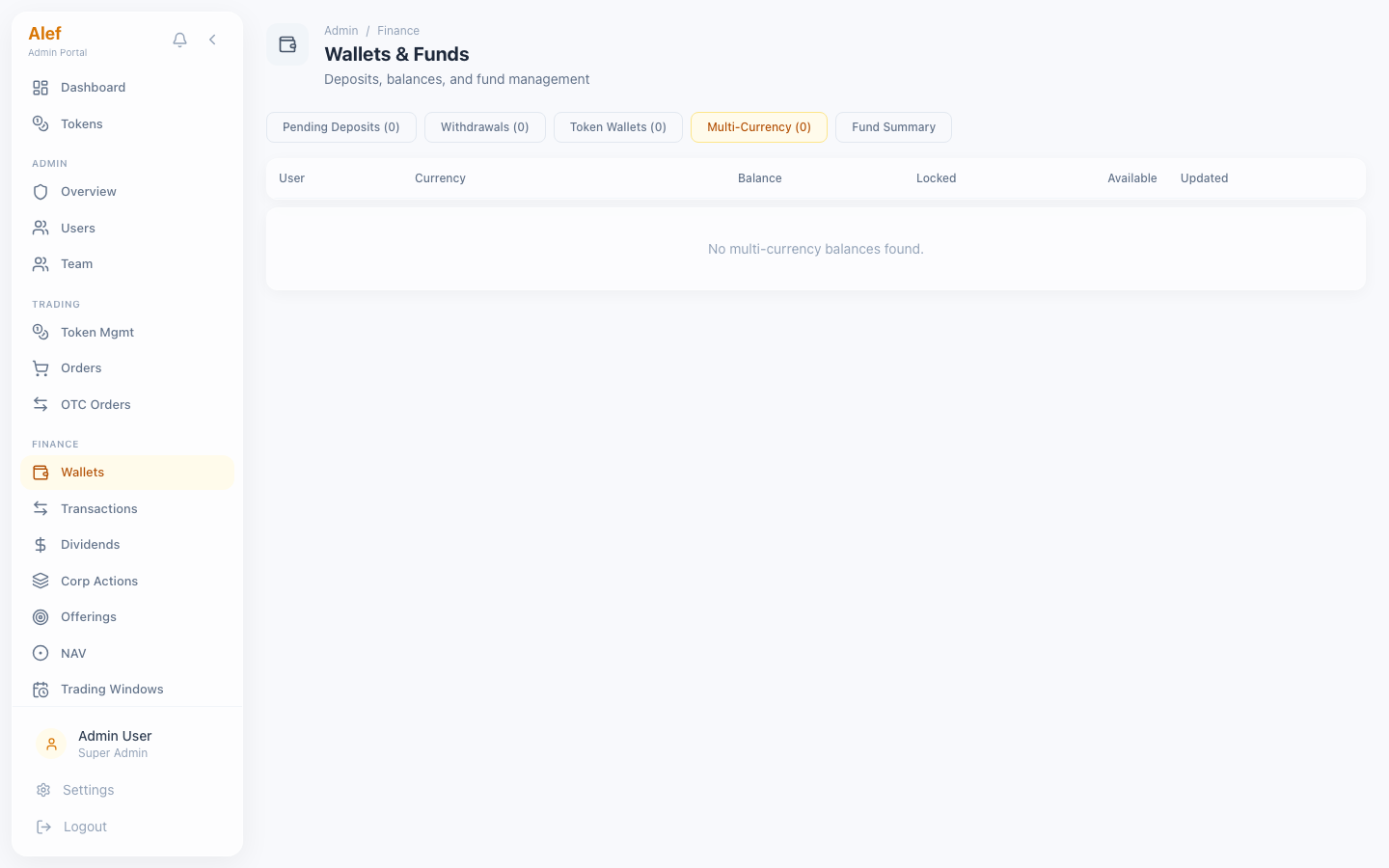
Manage fiat deposits/withdrawals and token wallet balances across all users.
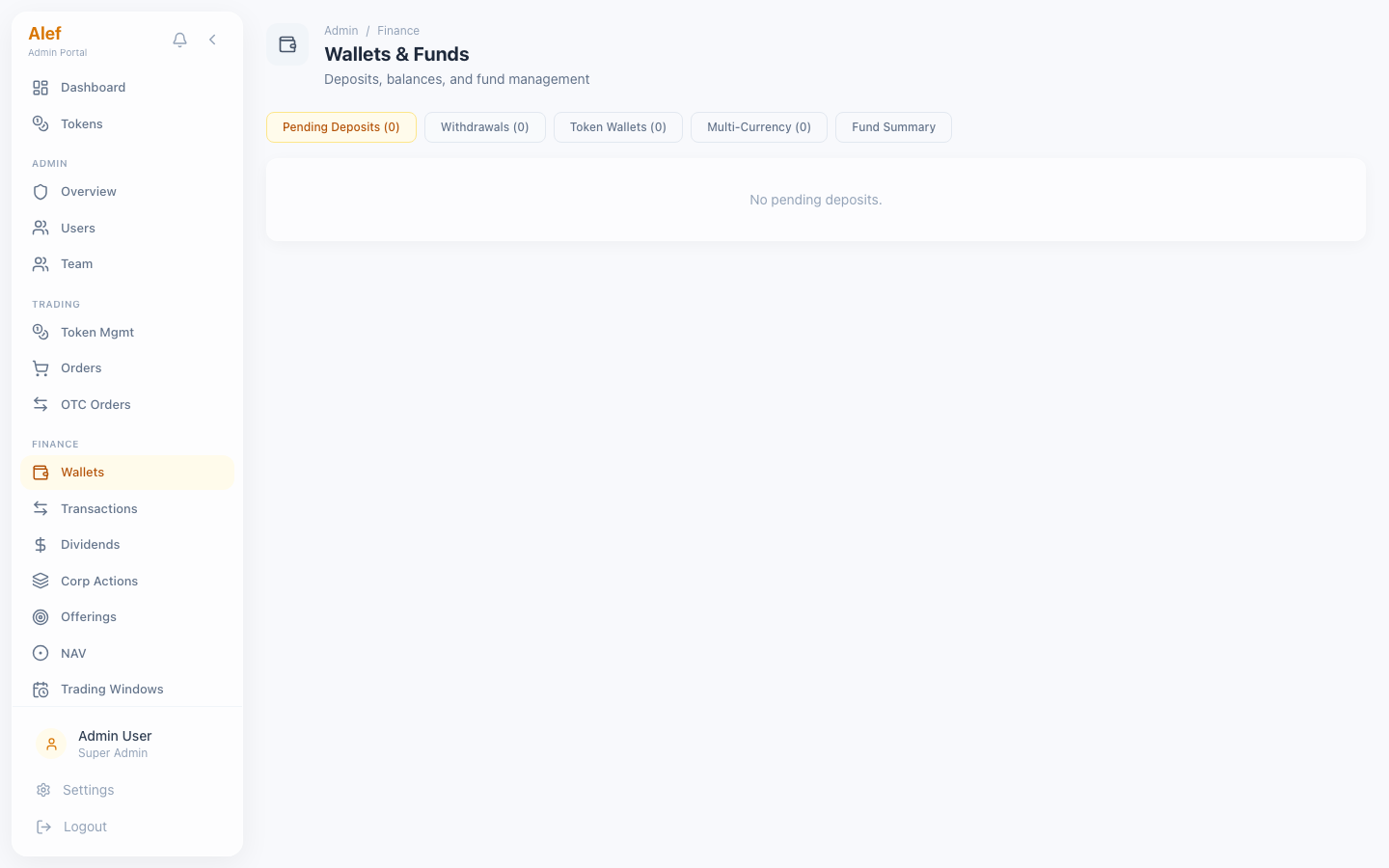
Wallets
Wallets4 sub-tabs for wallet management
Sub-tabs: Pending Deposits, Token Wallets, Pending Withdrawals, Fund Summary, Multi-Currency
Pending Deposits: confirm bank transfers to credit user fiat balance
Token Wallets: view all user holdings per token
Pending Withdrawals: approve/reject withdrawal requests
Fund Summary: aggregate platform balances and treasury overview
Multi-Currency: user balances across USD, AED, and USDC with currency badges
Multi-Currency Balances
Multi-Currency BalancesUser balances across USD, AED, and USDC
Fiat deposits/withdrawals are manual for MVP. No banking API integration. Admin manually confirms receipt of bank transfers.

Review and manage dividend declarations across all tokens.
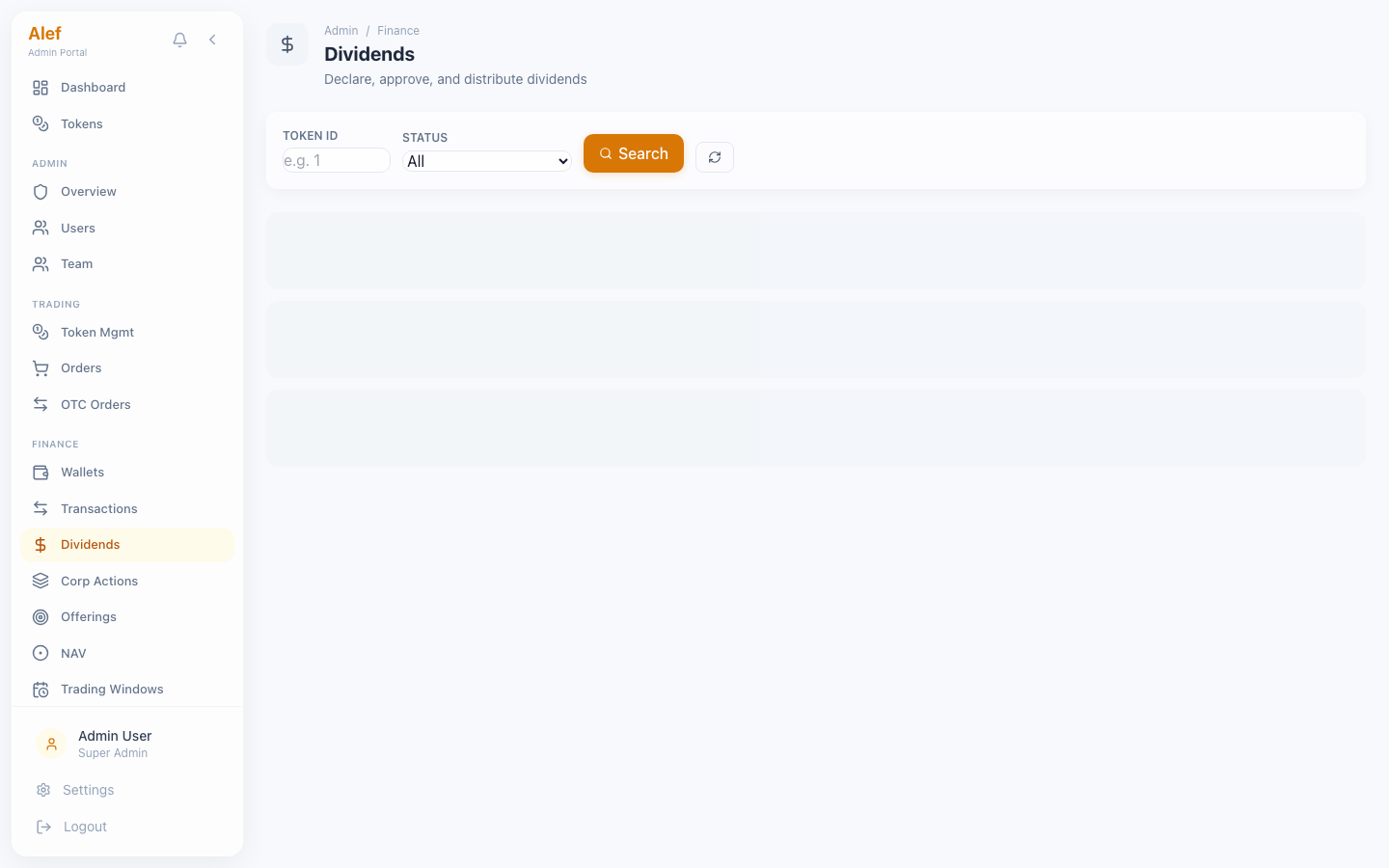
Dividends
DividendsLifecycle management for dividend declarations
Dividend lifecycle: draft → pending_approval → approved → distributing → distributed
Approve declarations submitted by issuers
Distribute dividends — automatically calculates per-holder payments
Cancel declarations at any stage before distribution
View payment details: amount per token, record date, payment date
Status badges with color coding per lifecycle stage
See also:Dividend Distribution Workflow

Revenue analytics with date range filtering and stream breakdown.
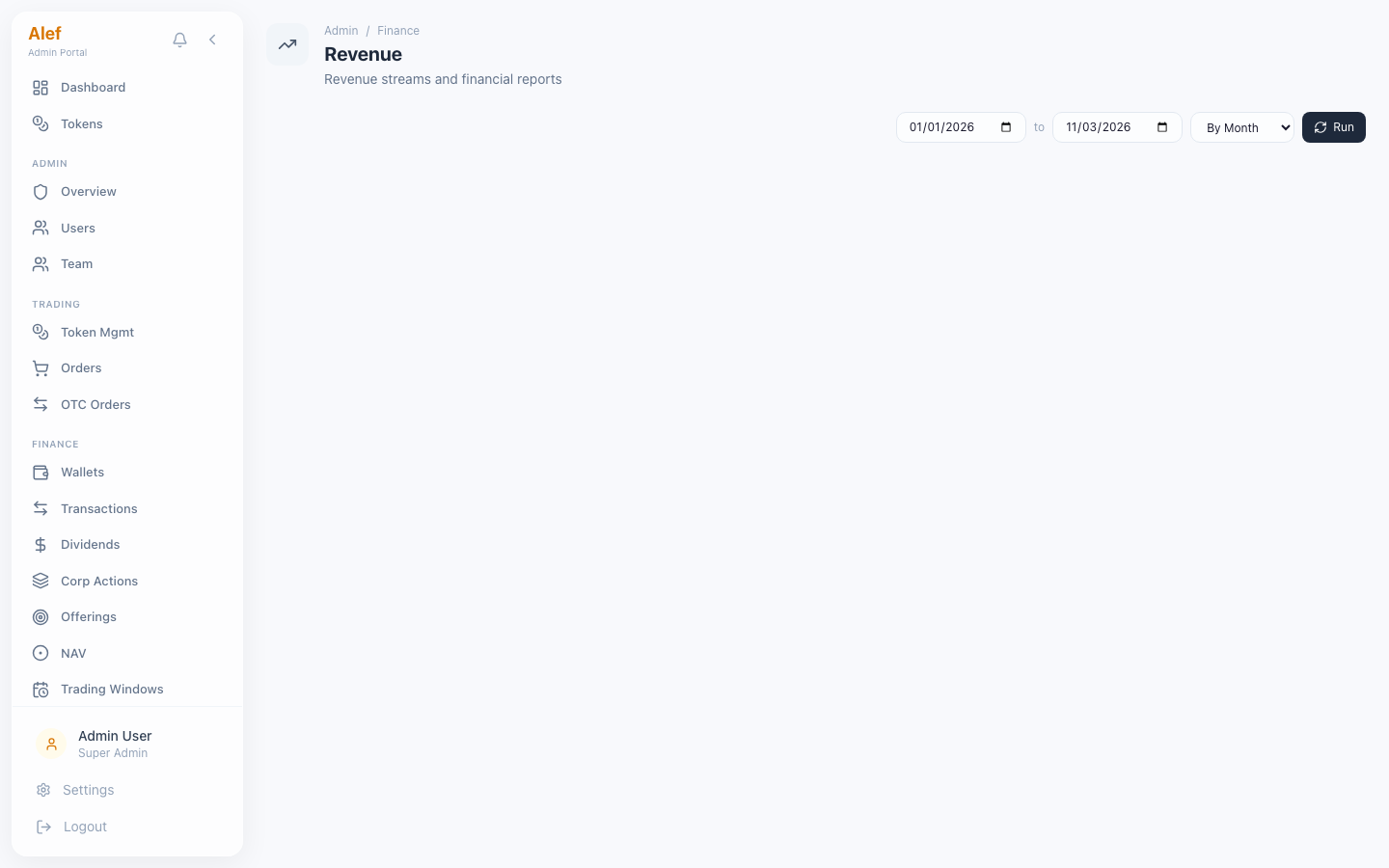
Revenue
RevenueRevenue dashboard with date range picker
Date range picker with quick presets (7d, 30d, 90d, custom)
3 headline metrics: Total Revenue, Treasury Balance, Gas Spend
Revenue breakdown by stream: Trading fees, Listing fees, Success fees, Custody fees, Dividend fees, Premium subscriptions
Sortable table with per-stream amounts
See also:Blockchain Integration (T-REX, ONCHAINID, settlement)See also:KYC/KYB Verification (Sumsub, claims)