Authentication

Login, registration, 2FA verification, and PDPL consent flows.

The login page is the entry point to all 4 portals. A single form handles authentication for investors, issuers, admin, and staff users.
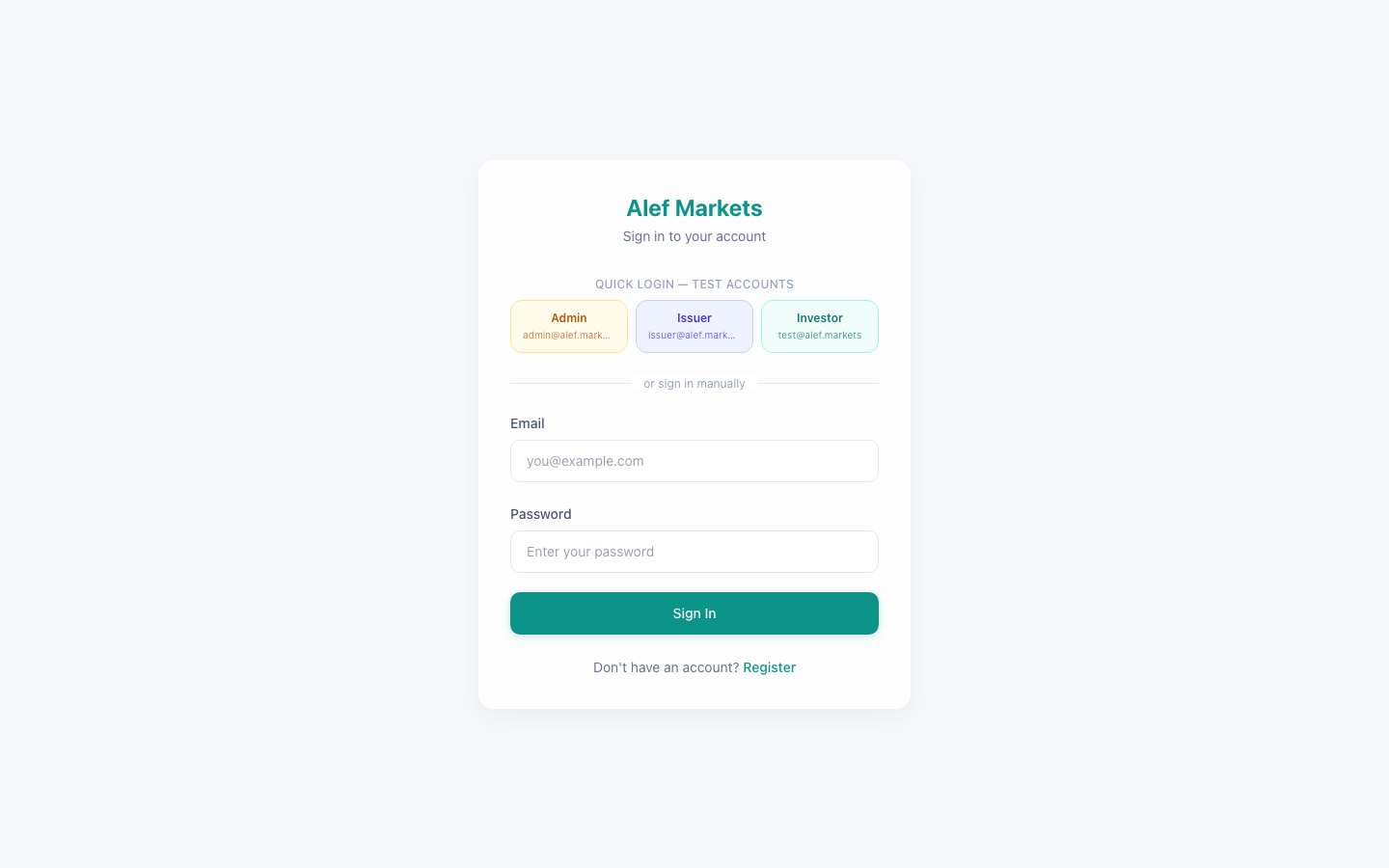
Login Page
Login PageBranded login card with quick-login buttons
Centered card layout with Alef Markets branding
Email + Password form fields with validation
Quick Login buttons for test accounts (Admin, Issuer, Investor) — color-coded by portal
Register link for new account creation
PDPL-compliant privacy notice at the bottom
Quick Login buttons pre-fill credentials and submit the form automatically. Available in development mode for rapid testing across portals.

The login form validates inputs before submission and provides clear error feedback.
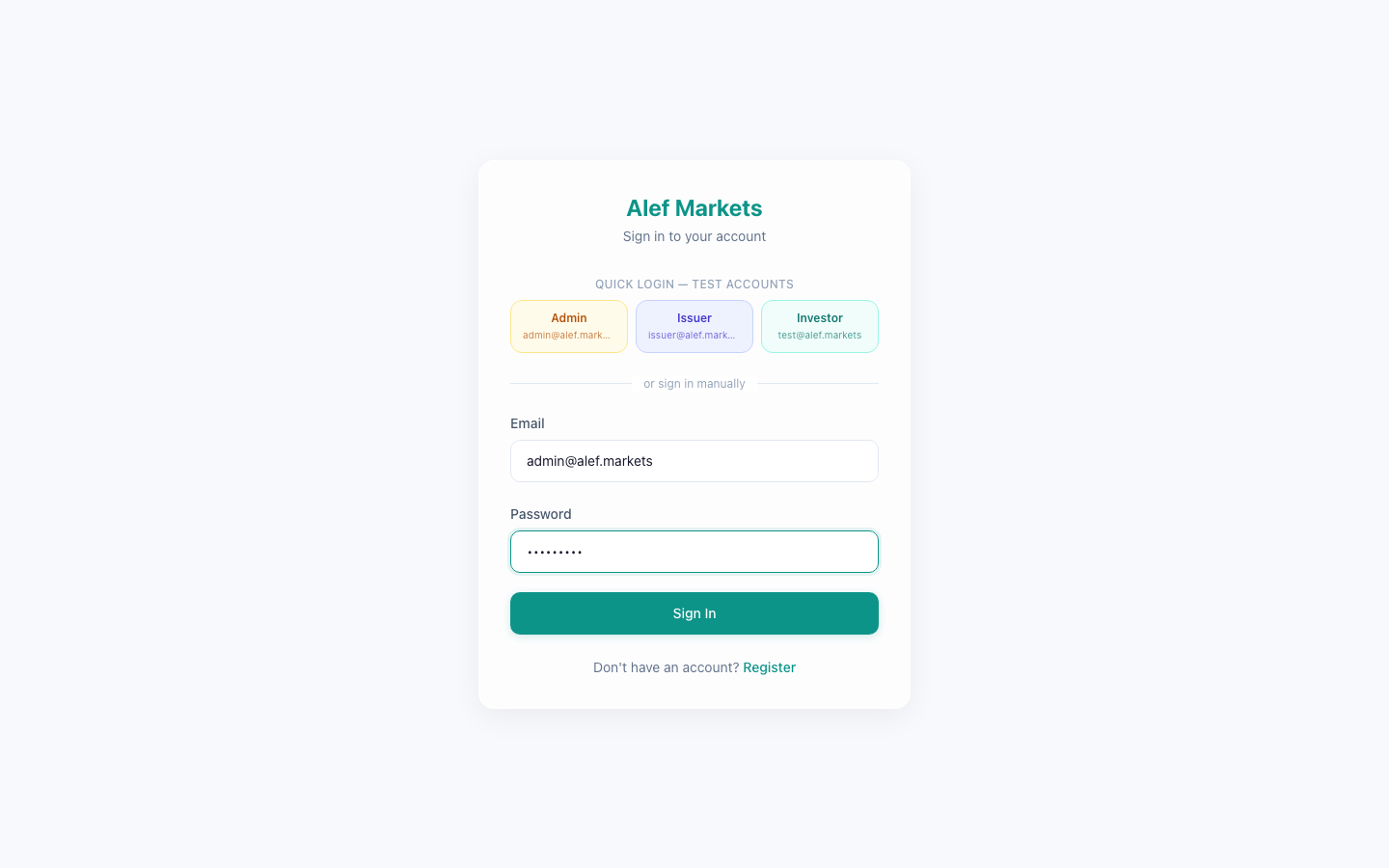
Login — Filled State
Login — Filled StateForm populated with email and password
Client-side validation: email format, password minimum length
Password masking with show/hide toggle
Loading spinner on submit button during API call
Error toast for invalid credentials or locked accounts
Automatic redirect to role-appropriate dashboard after login
1

Enter your email address

Use a registered account email (e.g., test@alef.markets)

2

Enter your password

Passwords are case-sensitive and must meet minimum requirements

3

Click Sign In

The form submits to POST /api/v1/auth/login

4

Complete 2FA (if enabled)

Enter the 6-digit TOTP code from your authenticator app

5

Redirected to dashboard

Role-based routing: investors see /dashboard, admin sees /admin/dashboard

TOTP-based 2FA can be enabled from any portal's Settings page. Once enabled, a 6-digit code is required on every login.

TOTP algorithm (RFC 6238) — compatible with Google Authenticator, Authy, 1Password
QR code setup during initial enrollment
6-digit code entry after successful password authentication
Backup codes are not currently supported (MVP limitation)
2FA can be disabled from Settings (requires current password)
2FA is optional for MVP. In production, it should be mandatory for admin and staff roles per PDPL security requirements.